Secure and encrypt your internet with Total VPN
Total VPN is a VPN service built to encrypt your internet connection and help keep browsing activity and personal information more private across compatible devices. Connect through the app when you want an added privacy layer on home, mobile, or public networks.
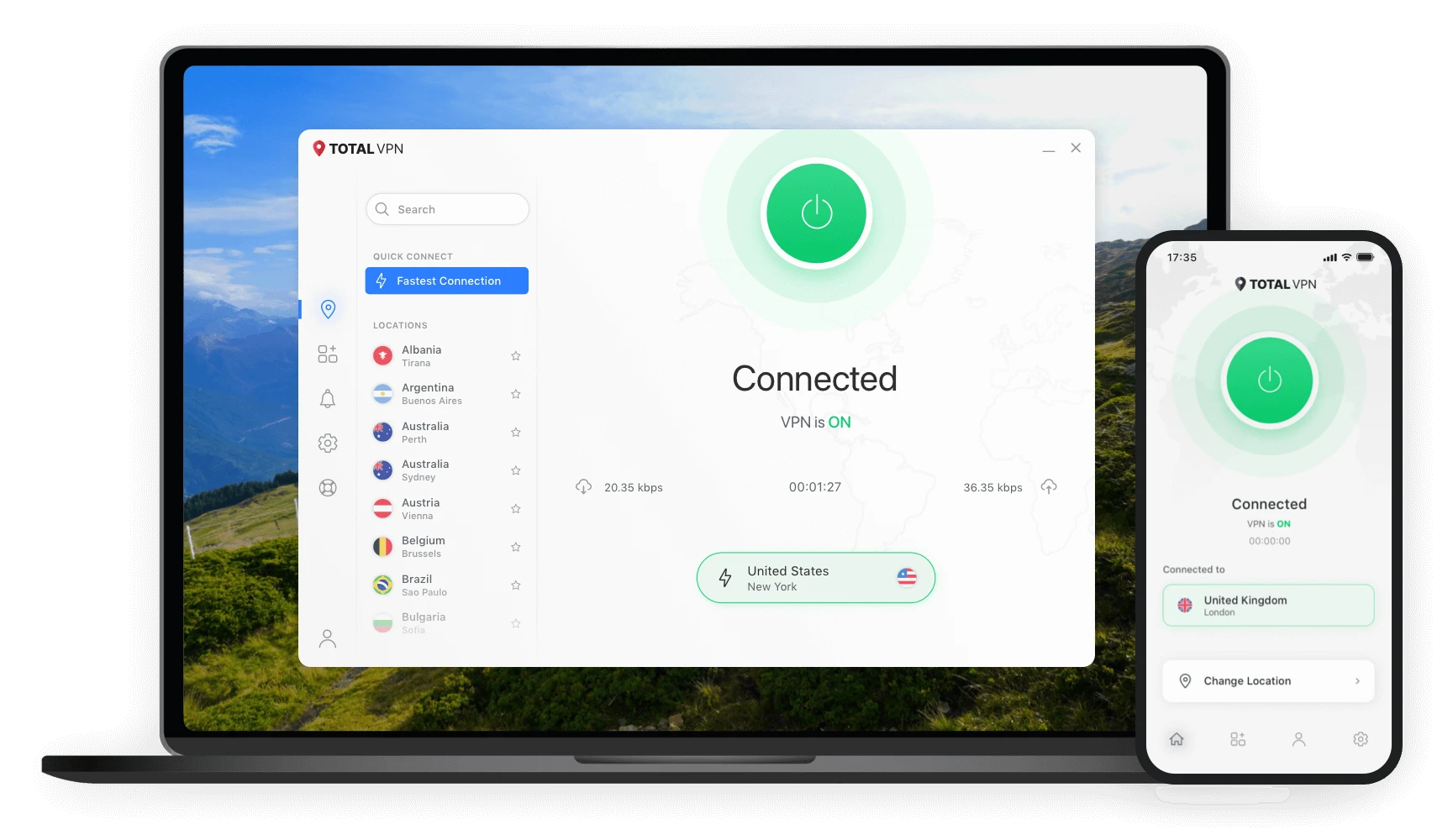
Total VPN is a virtual private network service that creates an encrypted connection for internet traffic on supported devices. It is intended for users who want more privacy while browsing, extra protection on public Wi-Fi, and a straightforward way to connect through VPN servers from desktop or mobile apps.
What does Total VPN help you do?
A VPN changes how supported internet traffic travels between your device and the wider internet. Total VPN focuses on connection encryption, easier network privacy, and practical control through its apps.
Encrypt traffic
Creates an encrypted tunnel for supported internet traffic while the VPN is connected.
Use public Wi-Fi more privately
Adds a VPN layer when browsing on shared networks such as cafés, airports, and hotels.
Choose VPN locations
Connect through available server locations in the app, subject to current service availability.
Connect across devices
Official support materials list apps for Windows, macOS, Android, and iOS.
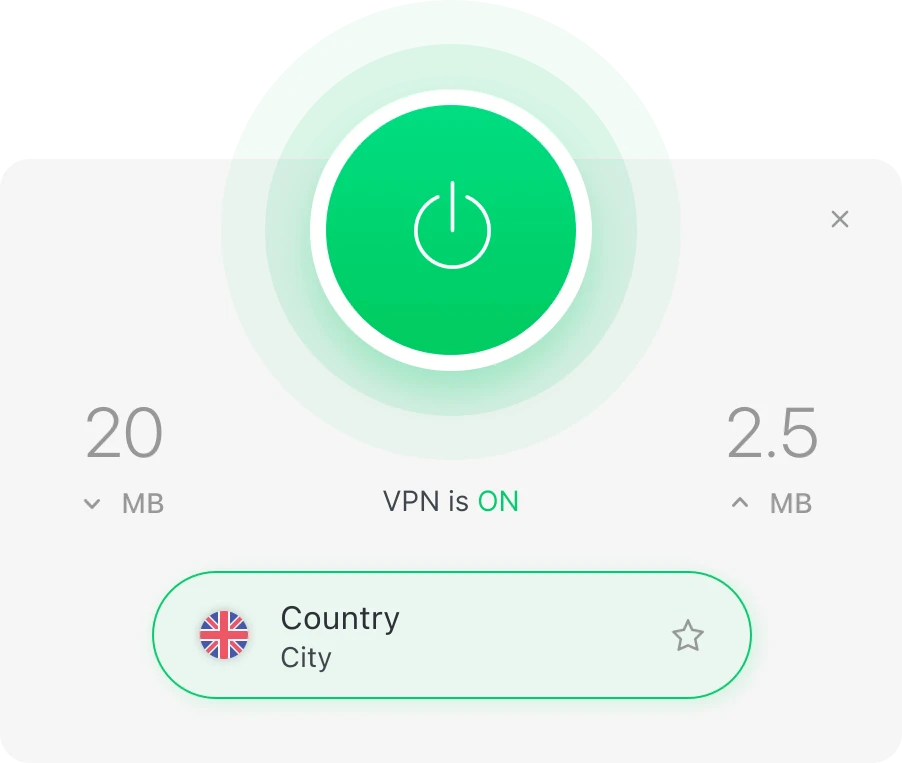
One connection, a clearer privacy layer
Reduce exposure on untrusted networks
Encrypted VPN traffic can make it harder for parties on the same local network to inspect data in transit.
Keep setup straightforward
Total VPN’s support flow centers on installing the app, signing in, selecting a connection, and turning the VPN on.
Use privacy controls when needed
Supported features can include kill-switch/leak protection and platform-specific split tunneling. Availability varies by device and app version.
From download to encrypted connection
The basic user journey is simple. Exact screens and feature names can change as the apps are updated.
Access the current offer or account page
Use the Get Started or Login link to open the external destination. Review current terms before creating or using an account.
Install the supported app
Download the appropriate app for your compatible Windows, macOS, Android, or iOS device using the provider’s approved source.
Sign in and select a connection
Open Total VPN, enter your account details, and choose an available VPN location or fastest connection option.
Connect before browsing
Turn the VPN on and confirm the connection status in the app. Disconnect when you no longer want traffic routed through the VPN.
Common situations where a VPN can be useful
Public Wi-Fi users
People who regularly connect at cafés, hotels, airports, coworking spaces, or other shared networks.
Remote and mobile users
People who want an added privacy layer while working or browsing away from their usual network.
Privacy-conscious households
Users looking for a simple VPN app as part of a broader online privacy and security routine.
Total VPN vs browsing without a VPN
This comparison describes the connection layer only; a VPN does not replace safe browsing, device security, or account protections.
| Criteria | With Total VPN connected | Without a VPN |
|---|---|---|
| Traffic between device and VPN endpoint | Encrypted through the VPN tunnel | Uses the normal network path |
| Public Wi-Fi privacy layer | Additional VPN encryption is active | No VPN encryption layer |
| Visible public IP to visited services | Typically reflects the VPN connection endpoint | Typically reflects the user’s normal internet connection |
| Safe-browsing responsibility | Still required | Still required |
Check the current Total VPN offer
Pricing and promotional terms can change. This site does not invent or cache a price that may become outdated.
See the destination page for active plans and eligibility.
- Confirm current billing term
- Review renewal conditions
- Check platform compatibility
Use the live destination page before deciding.
- Current promotional terms
- Included features
- Refund/cancellation conditions
Use the external account destination rather than a local sign-in form.
- No local credentials collected
- No imitation dashboard
- External account access
What this site confirms—and what it does not
We separate grounded product information from general VPN guidance so extracted answers remain clear for users and AI systems.
Confirmed product information
Total VPN is presented by its provider as a VPN service with encrypted connections and apps for major desktop and mobile platforms.
General category information
VPNs can add privacy on network connections, but they do not make users anonymous in every context or eliminate all online risks.
Changing details
Prices, promotions, server locations, compatibility, and specific features may change. Check the provider’s current pages for time-sensitive details.
Total VPN questions
Total VPN is a virtual private network service that encrypts internet traffic between a compatible device and a VPN server. Its purpose is to improve privacy on networks such as home internet or public Wi-Fi.
After installation and sign-in, the app creates an encrypted VPN connection and routes supported internet traffic through a selected VPN server. Users can then browse while the VPN connection is active.
It is designed for people who want a simpler way to encrypt internet traffic, reduce exposure on public Wi-Fi, and use a VPN across supported desktop and mobile devices.
Total VPN provides apps for compatible Android and iOS devices as well as Windows and macOS. Feature availability can vary by platform.
Use the View Current Pricing button on this site. It opens the destination offer page, where current plan details, pricing, availability, renewal terms, and eligibility should be confirmed before purchase.
Learn before you connect
How does a VPN protect you on public Wi-Fi?
Understand what a VPN can protect, what it cannot, and how to connect more safely.
VPN vs proxy: what is the difference?
Compare encryption, traffic coverage, setup, and common use cases.
How to download and set up Total VPN safely
A practical guide to installation, login, app sources, and avoiding unofficial APK files.
Review the current Total VPN offer
Use the external destination to confirm current pricing, terms, supported features, and account options.