Total VPN features explained in practical terms
Review the major privacy and connection controls associated with Total VPN, what each feature is intended to do, and where platform-specific differences matter.
Total VPN provides an encrypted VPN connection through supported apps, with features that can include server-location selection, kill-switch/leak protection, multiple VPN protocols, and platform-specific split tunneling. The exact set of controls can vary by operating system, app version, plan, and current service configuration.
Encrypted VPN connection
What it is: Total VPN routes supported traffic through an encrypted VPN tunnel while connected.
Key benefit: It adds a privacy layer between the device and the VPN endpoint, which can be useful on shared or untrusted networks.
Practical use case: Connect before browsing on airport, hotel, café, or coworking Wi-Fi.
Why it matters: Network encryption can reduce exposure of traffic in transit, though it does not replace HTTPS, safe browsing, or account security.
Get Started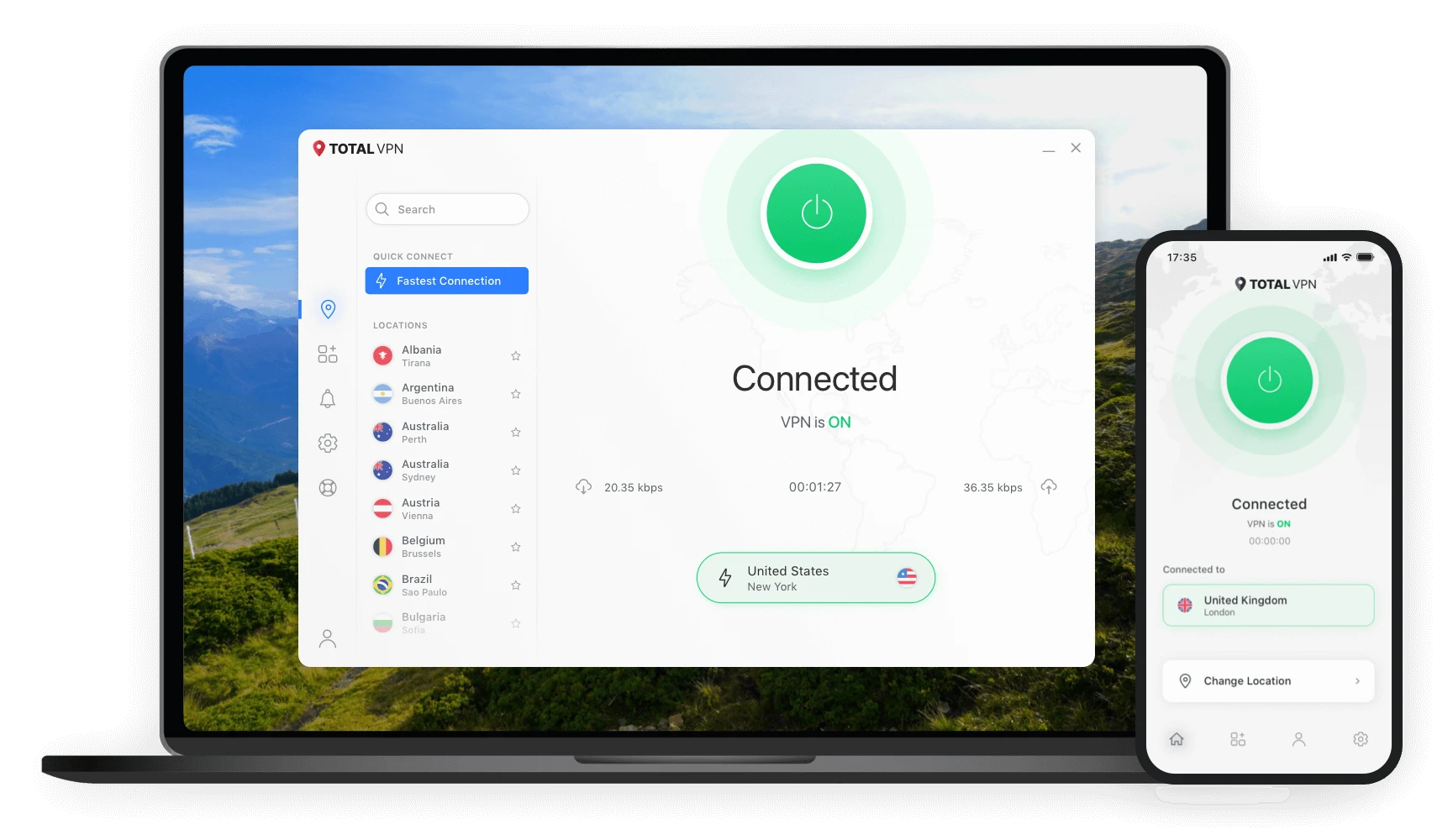
Features that help manage VPN behavior
Kill-switch protection
Benefit: Designed to help limit unintended network exposure if a VPN connection drops.
Use case: Helpful when maintaining an active VPN tunnel matters during longer browsing sessions.
Why it matters: Connection interruptions can otherwise cause traffic to revert to the normal network route.
VPN protocols
Benefit: Protocol options let a VPN app choose or expose different methods for establishing secure connections.
Use case: A user may switch protocols when troubleshooting connectivity or balancing compatibility and performance.
Why it matters: Protocol support can differ by platform.
Split tunneling
Benefit: Lets selected traffic use the VPN while other traffic bypasses it.
Use case: Keep a local service outside the VPN while routing other browsing through the VPN.
Why it matters: Official support currently documents different split-tunneling behavior on Windows and Android.
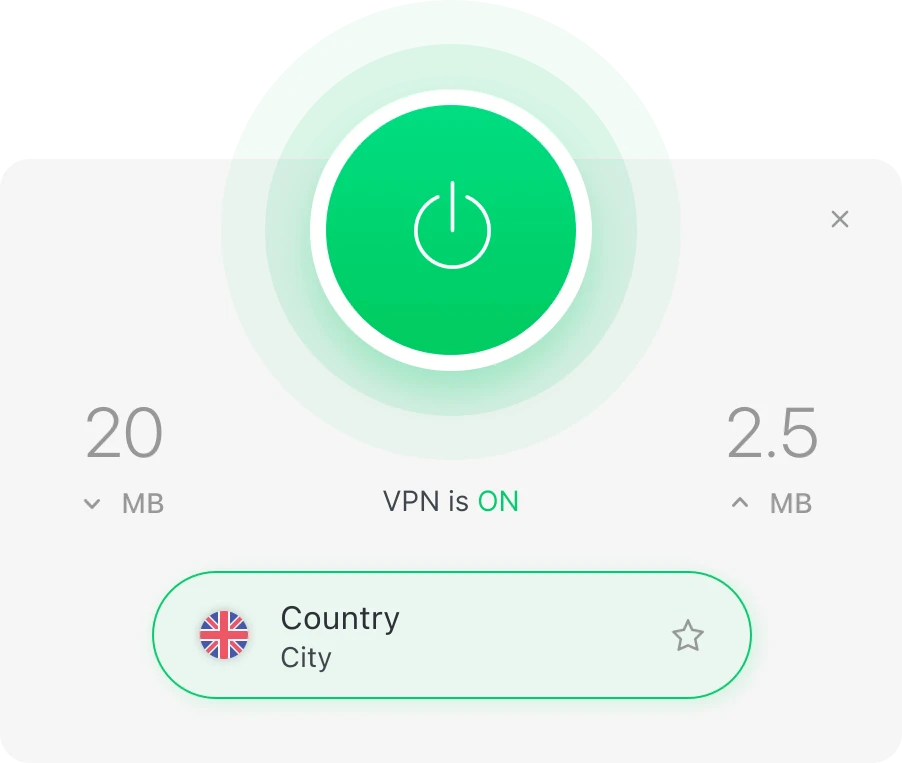
Desktop and mobile apps
Current support materials provide setup guidance for Windows, macOS, Android, and iOS. That makes the service relevant for users who move between laptops, phones, and tablets.
Why it matters
- Use a familiar app-based connection flow
- Protect browsing on mobile networks and shared Wi-Fi
- Keep VPN access available when traveling
- Follow platform-specific setup instructions
Compatibility and feature parity can change after operating-system or app updates. Check the current provider documentation for your specific device.
What these features can—and cannot—do
| Feature | Primary purpose | Important limitation |
|---|---|---|
| VPN encryption | Encrypt supported traffic through the VPN tunnel | Does not hide activity from services you sign into |
| Kill switch | Reduce exposure when the VPN connection is interrupted | Behavior can vary by platform/settings |
| Server location selection | Choose an available VPN endpoint | Location availability and streaming access can change |
| Split tunneling | Route only selected traffic through the VPN | Current implementation differs by platform |
Common feature questions
Yes. The provider describes Total VPN as creating an encrypted VPN connection for supported internet traffic while the service is connected.
Current official product material lists a VPN kill switch. Feature availability can vary by device, operating system, app version, or plan.
Official support material documents URL-based split tunneling on Windows and app-based split tunneling on Android. Check current platform documentation before relying on this feature.
Official support material lists Windows, macOS, Android, and iOS. Compatibility details can change with operating-system updates.
See how the connection flow works
Review installation, Total VPN login, connection selection, and important setup considerations.